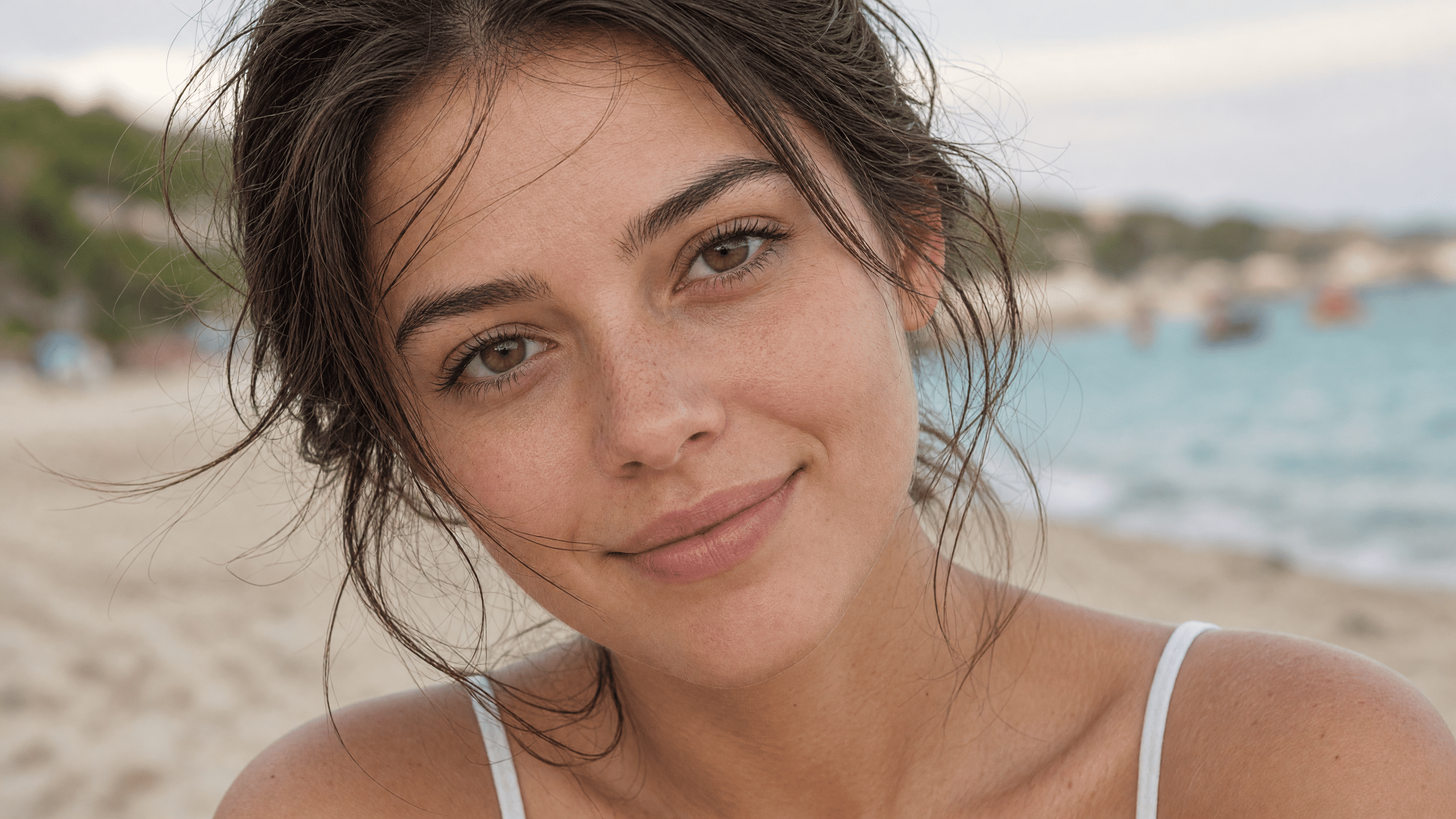
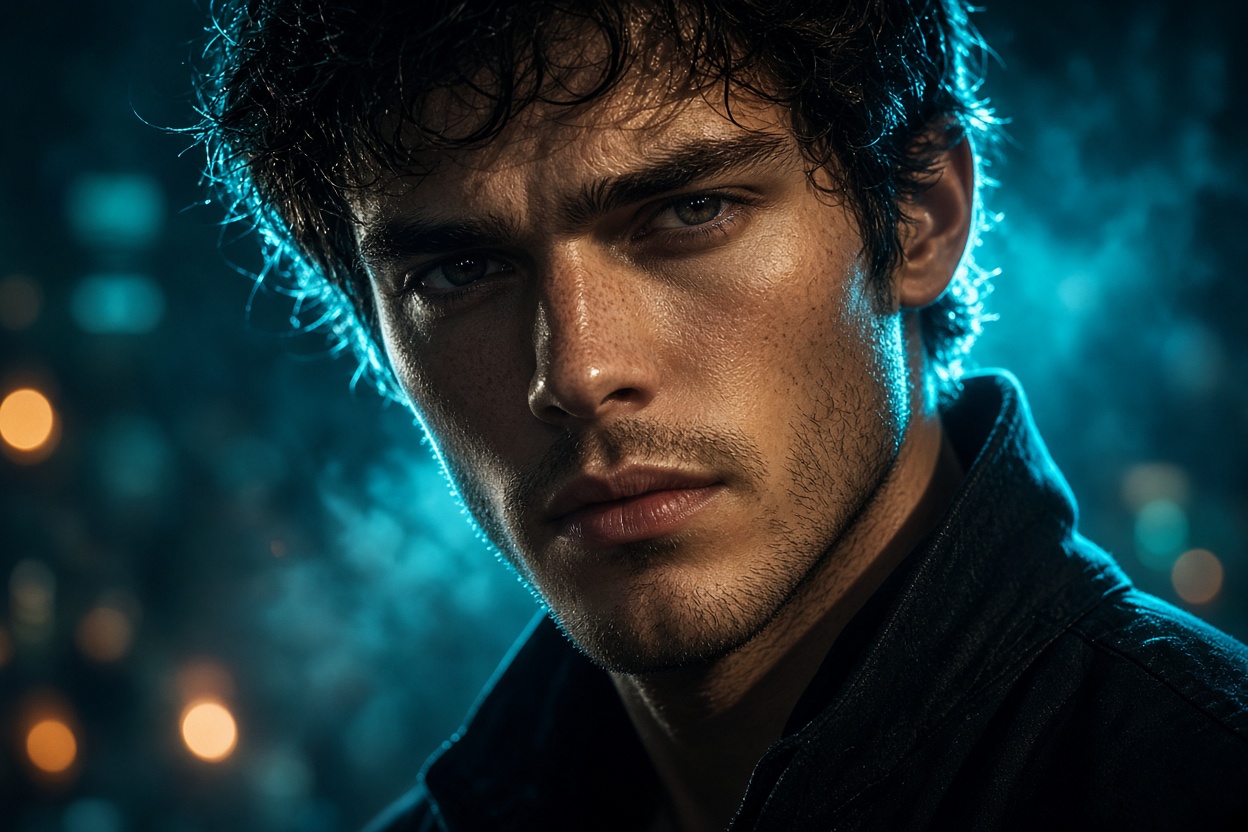
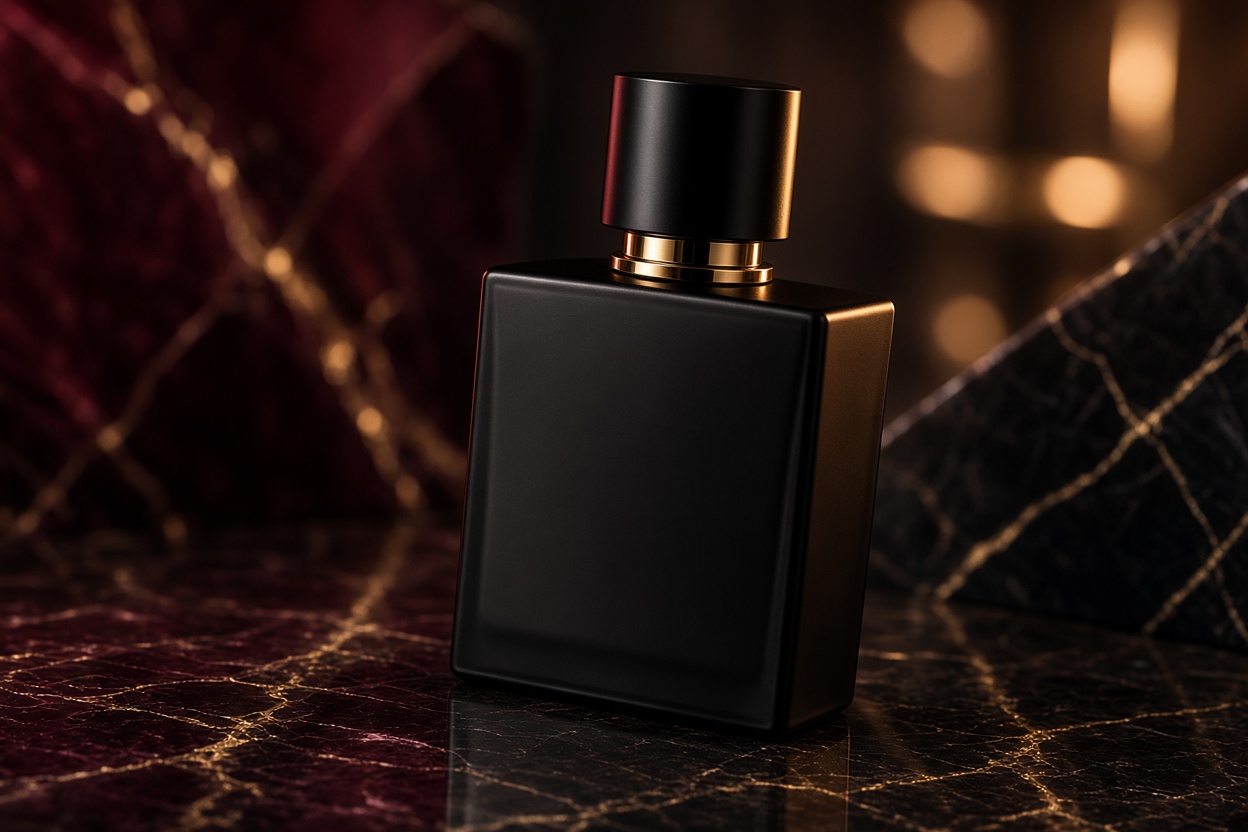
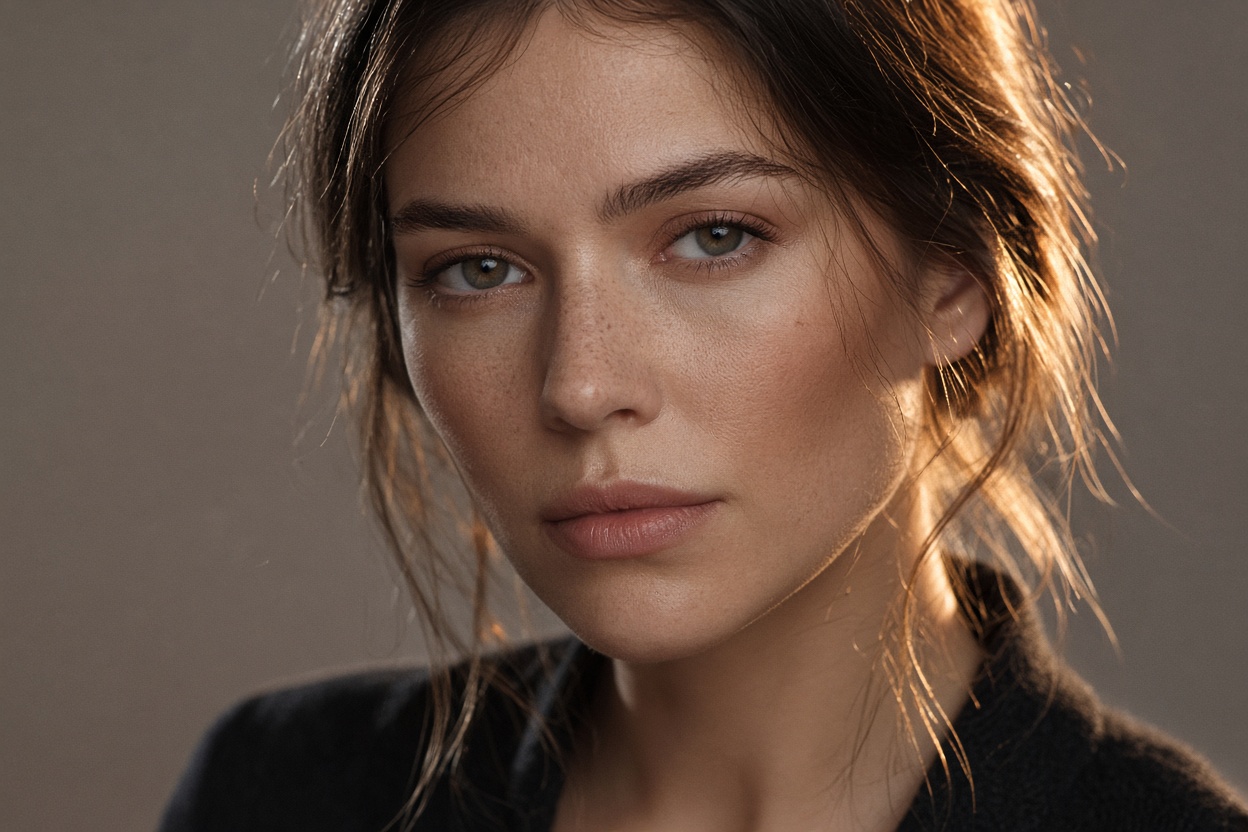
BeforeAfter

Restyle any photo without starting from scratch

Keep the person, product, or composition you already have. Attach a style reference and tell the model what to transfer — lighting, clothing, palette, atmosphere. The subject stays; the look changes.

When generating from text is the wrong tool

Text-to-image is excellent when you need a new scene. It is a poor fit when you already have the right face, product, or thumbnail composition and only the look is wrong. Regenerating from a prompt almost always changes identity, crop, and layout — then you spend the next ten runs trying to get the original back.

That is the gap Image restyle fills in Veontra. You upload the source (what to keep) and a style reference (what the result should feel like), then write a short instruction: transfer lighting and color, restyle clothing, make it a night cinematic thumbnail, match a brand campaign. The model is steered by two pictures, not by a paragraph that tries to describe both.

Creators use it for YouTube and social covers: one shoot, many channel looks. Brands use it for product shots that must stay on-model while shifting from catalog-clean to editorial. Teams use it for portraits and campaign stills when a client sends a mood board instead of a new photoshoot.

Restyle lives in the same Image workspace as Generate — same quality, size, and credit table. Switch the mode, attach both files, and run. There is no second billing product and no extra tool to learn; it is a second way to spend the same per-image credits on models that accept two pictures.

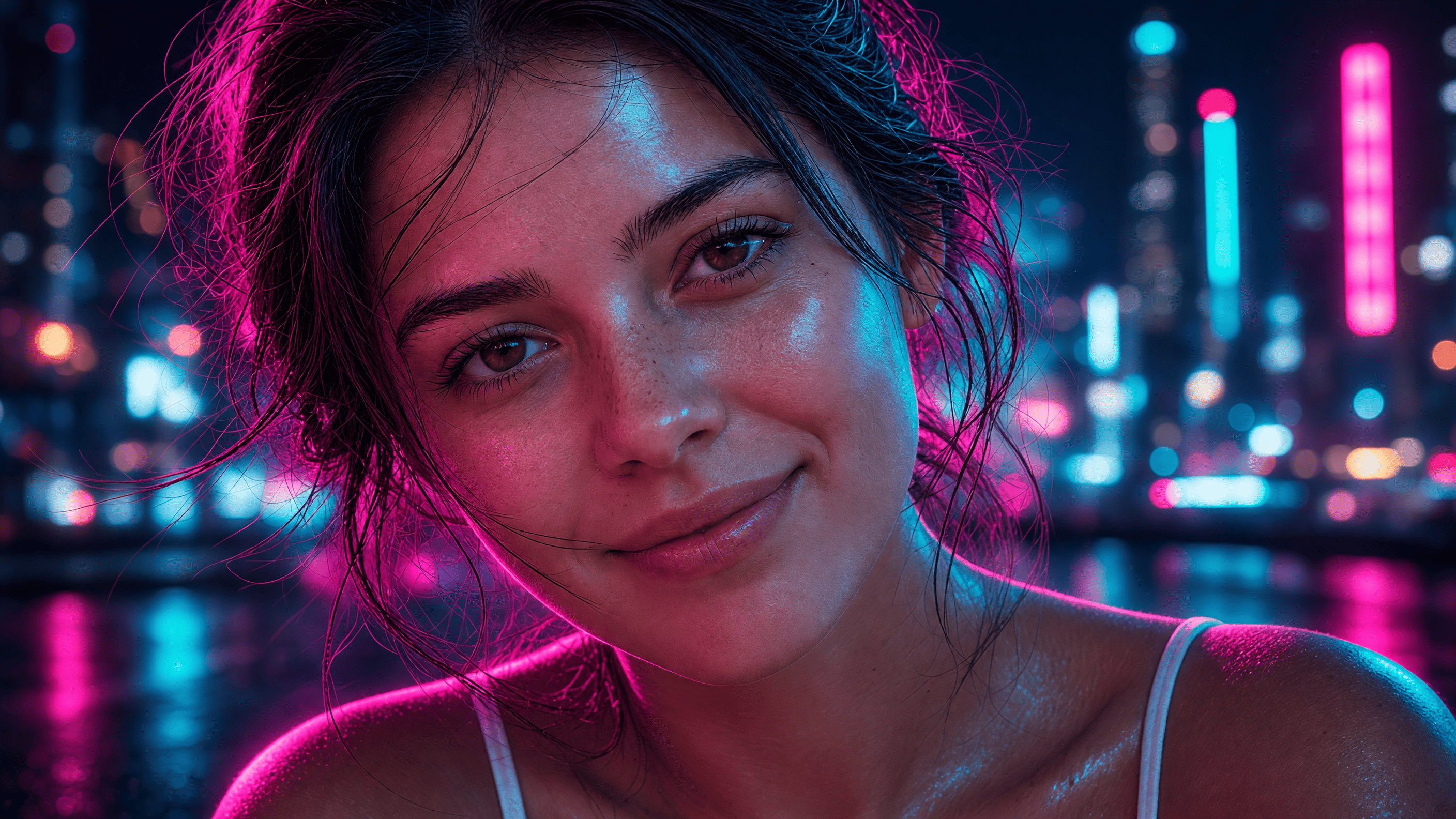
How restyle works

Three inputs: the image you want to keep, the look you want to apply, and a short note about what to transfer. Everything else — quality, aspect ratio, count — matches Generate.

  1. 01

    Source image

    Upload the photo you want to change. Restyle treats this as the subject and composition: face, pose, product, framing. The output should still be recognizable as this picture, not a new scene invented from the style reference.

  2. 02

    Style reference

    Upload the look to copy — a thumbnail, a campaign still, a lighting setup, a color grade. The second image is not a second subject. It is the palette, contrast, wardrobe vibe, and atmosphere you want on top of the source.

  3. 03

    What to transfer

    Do not describe the picture from scratch. Write what should move from the style file: lighting, clothing, palette, film grain, neon, studio backdrop. Specific verbs work better than long stories. Then pick a restyle model, quality, and size, and run.

What people restyle

Same credits as Generate. Typical jobs: channel thumbnails, product campaigns, and portraits that must keep the person.

YouTube and social thumbnails

YouTube and social thumbnails

You already shot the talent. You need the cover to match a darker, louder, more cinematic channel style — or to sit next to last week’s episode. Restyle keeps the face and crop, then pulls lighting, contrast, and atmosphere from a thumbnail you like. Write what to transfer (teal night grade, bold rim light, haze) instead of prompting a new person.

Product and pack shots

Product and pack shots

Catalog photos are accurate and bland. Campaign photos are styled and expensive to reshoot. Restyle lets you keep the bottle, box, or device on the same angle while borrowing a luxury grade, colored gel, or marble set from a reference. Useful when legal or e-commerce needs the real SKU, not an invented product.

Portraits and brand looks

Portraits and brand looks

A headshot does not have to be regenerated to wear a new art direction. Attach the portrait as source and a fashion or cinematic still as style. Ask for wardrobe mood, color grade, and lighting — not a different identity. Teams use this for mood-board rounds before a full retouch or a new shoot.

Models that accept two images

Restyle is limited to models that can take a source and a style file in one request: FLUX.2 Pro, Grok Imagine 2.0, Nano Banana 2, Nano Banana Pro, and GPT Image 2. Credits per image are the same as Generate for that model and quality.

FLUX.2 Pro

Black Forest Labs

Latest FLUX generation — faster, sharper, and more affordable with built-in image editing support.

Standard: 11 credits · High: 24 credits

Grok Imagine 2.0

xAI

Next-generation Imagine — sharper text, stronger edits, and 1K or 2K output at a flat credit rate.

Standard: 9 credits · High: 9 credits

Nano Banana 2

Google Gemini

The latest Flash image model — sharper detail and better composition at a budget-friendly price.

Standard: 16 credits · High: 24 credits

Nano Banana Pro

Google Gemini

Top-tier Google image quality — excellent text on images, 4K output, and complex scene understanding.

Standard: 33 credits · High: 35 credits

GPT Image 2

OpenAI

Strong prompt understanding and reliable results for product shots, UI mockups, and everyday visuals.

Standard: 13 credits · High: 45 credits

GPT Image 2.5 Flare

OpenAI

Faster than GPT Image 2 with sharper everyday results — the default for social, product drafts, and high-volume generation.

Standard: 4 credits · High: 13 credits

Learn more

GPT Image 2.5 Sunburst

OpenAI

Precision edits and campaign-ready stills — keeps the subject while you change one detail.

Standard: 13 credits · High: 45 credits

Learn more

Image restyle FAQ

Short answers for search and for the first run in the dashboard.

How is restyle different from image generation?

Generate creates a new picture from a text prompt, with an optional single reference. Restyle requires a source image (the subject to keep) and a style image (the look to apply), plus a prompt that says what to transfer. Use Generate when you do not have the frame yet; use Restyle when you do.

Do I need both a source and a style image?

Yes. Restyle will not run without both files and a prompt. The source is the photo you are changing; the style is the reference look. Generate still works with no files or with one optional reference.

Does restyle cost extra credits?

No. Restyle uses the same per-image credit table as Generate for the selected model and quality. Two input images do not add a second billing tool. See Credit services for the full rates.

Which models support restyle?

FLUX.2 Pro, Grok Imagine 2.0, Nano Banana 2, Nano Banana Pro, and GPT Image 2. Lite, FLUX.1, classic Grok, and original Nano Banana stay in Generate only. If you switch into Restyle on an unsupported model, the workspace defaults to FLUX.2 Pro.

Can I regenerate a restyle with the same files?

Regenerate in the preview reruns the prompt and settings. It does not re-upload your source and style files in this version, the same way a Generate job does not resend a reference. For another restyle, attach the two images again in the prompt bar.

Can I pick quality, aspect ratio, and several sizes?

Yes. Quality, size, multi-size, and count work like Generate. If you select several aspect ratios, restyle runs on the first size as the master; the other frames are reframed from that master so the style is not applied twice.

One AI workspace for your team

Extract documents, transcribe audio, and generate images from the same dashboard — with human review before anything is exported.

Save your time with AI

Start your 14-day trial with up to 100 credits.