Document chat

Upload a PDF and ask questions about its content. AI answers from the document only, with page citations.

What is document chat?

Long PDFs — contracts, reports, manuals, research — are painful to search by hand. Document chat lets you upload a file and ask questions in plain language. The AI reads the full text of your PDF and answers from that content only — not from the open web. Every answer can include page references, so you spend less time scrolling and more time on decisions that matter.

Asking questions about a PDF instead of searching page by page

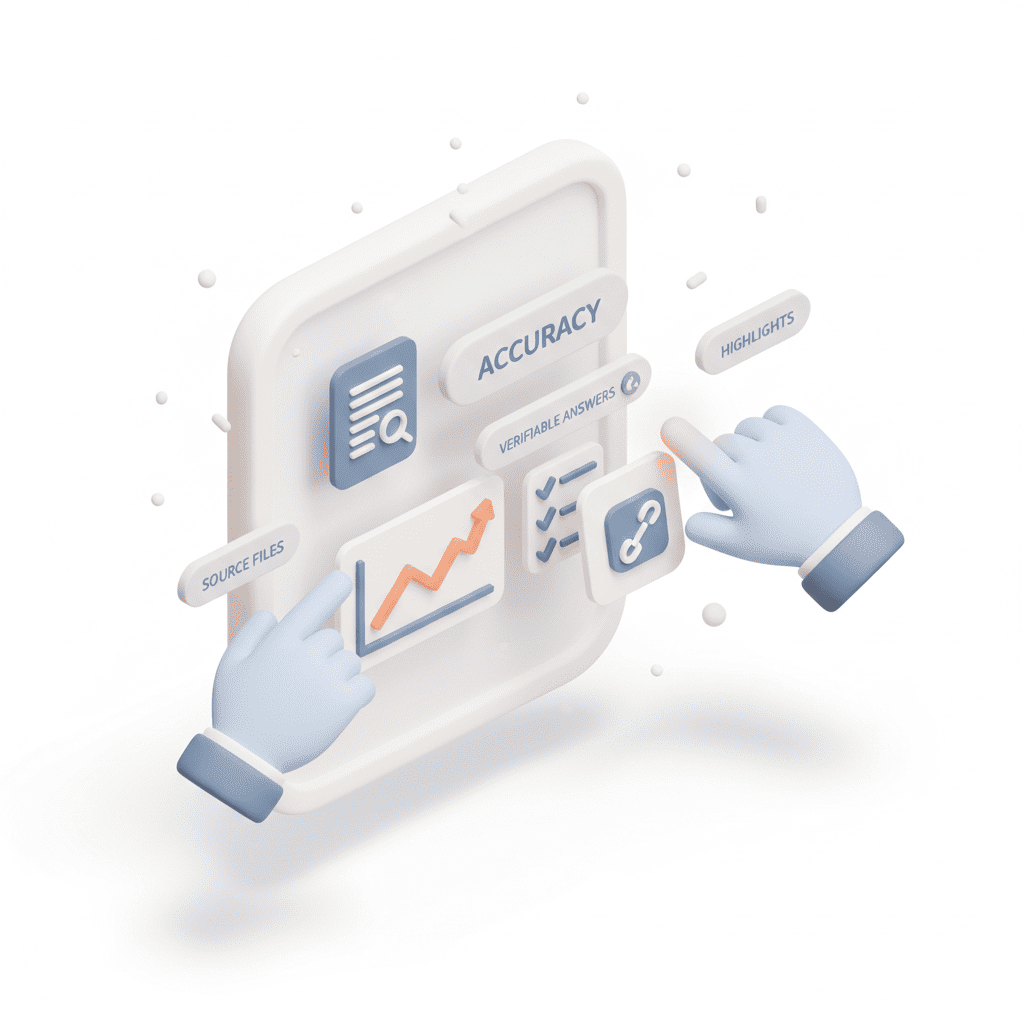
Answers you can verify

Each reply can link to the pages it used — tap a citation to jump straight to that page in the preview. Turn on passage highlighting to see quoted text in the PDF. If the answer is not in the document, the assistant says so instead of guessing. That keeps research, compliance, and due diligence grounded in your source file.

Document chat with page citations and highlighted passages in the PDF preview

Built for real PDF workflows

Work with the PDF and chat side by side: continuous scroll through every page, follow-up questions in the same thread, and replies in your language. Upload PDFs up to 100 pages — ideal for policies, filings, academic papers, and client documents you need to understand quickly without rereading from scratch.

Side-by-side PDF preview and document chat in Veontra

One AI workspace for your team

Extract documents, transcribe and voice audio, generate music, images, video and 3D models — all from the same dashboard.

All your AI tools in one place

Documents, voice, images, video and 3D in one workspace. Start free: 14-day trial with 60 credits, no card required.