
Audio transcription

Upload a short audio clip — AI transcribes it with timestamps. Optional speaker diarization and translation.

AI audio transcription you can review and export

Upload audio in any language — Veontra uses AI to turn speech into timestamped text, usually within a minute. Enable speaker diarization to see who said what, or turn on translation so each segment appears in another language right in the transcript. On the review page, a handy toolbar sits next to a built-in audio player: jump to any moment from a timestamp, edit lines, approve when ready, then export to TXT, SRT, VTT, DOCX, or Google Docs.
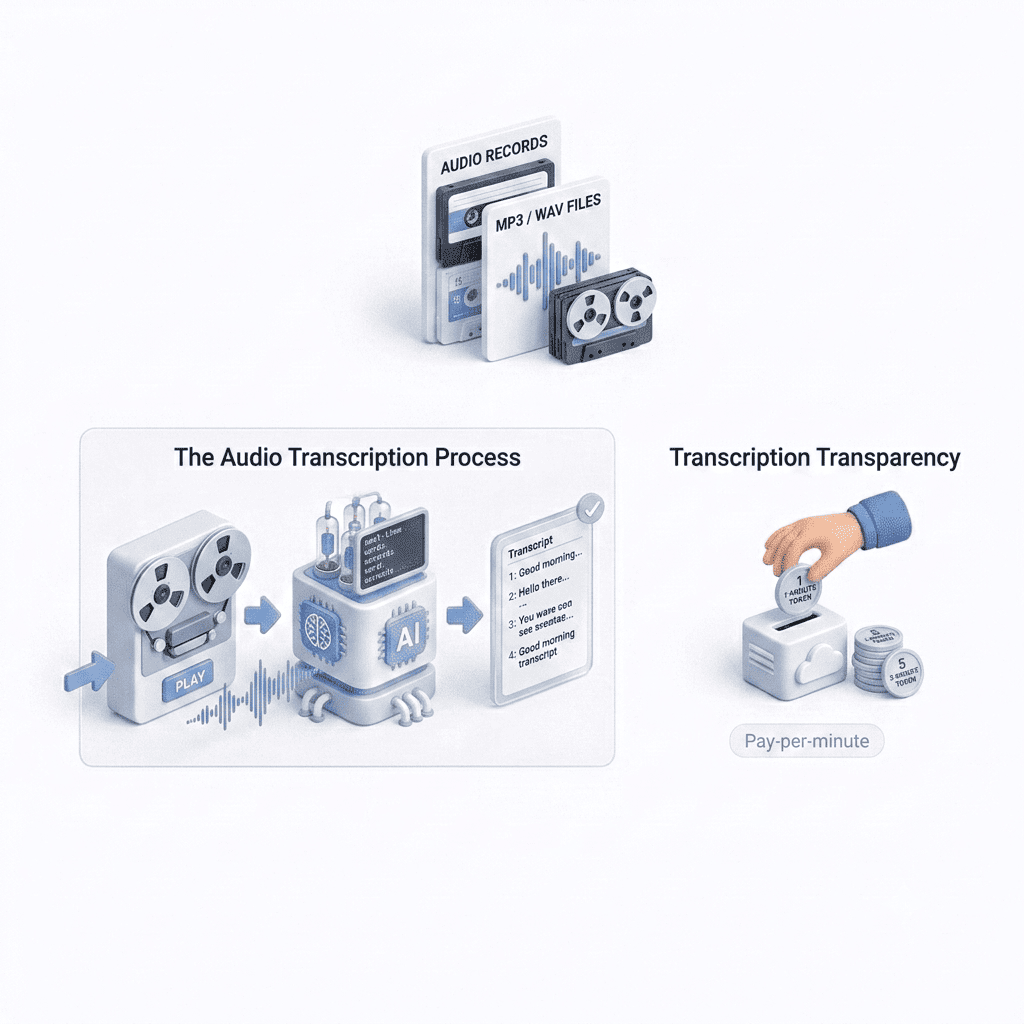
Veontra audio transcription with speakers, translation, and export

Try Veontra audio transcription

Upload a short audio clip to see timestamped transcription with optional speakers and translation.

[One audio file · Max 1 min · MP3, WAV, M4A, AAC, OGG, WebM, FLAC · Max 15 MB]

Transcribe audio

Helps recognition when the spoken language is known.

Drag an audio file here or click to browse

One AI workspace for your team

Extract documents, transcribe and voice audio, generate music, images, video and 3D models — all from the same dashboard.

All your AI tools in one place

Documents, voice, images, video and 3D in one workspace. Start free: 14-day trial with 60 credits, no card required.