
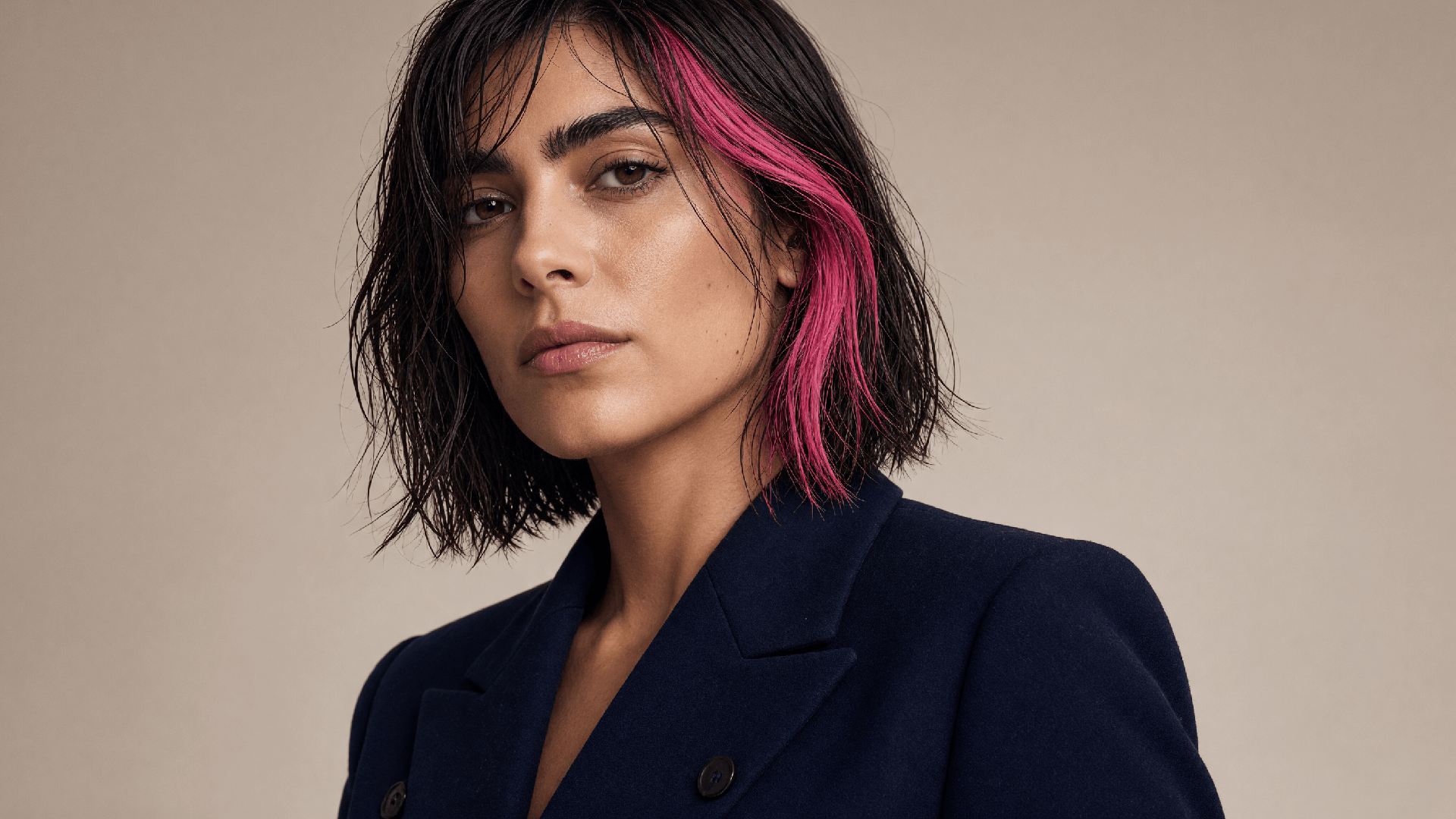
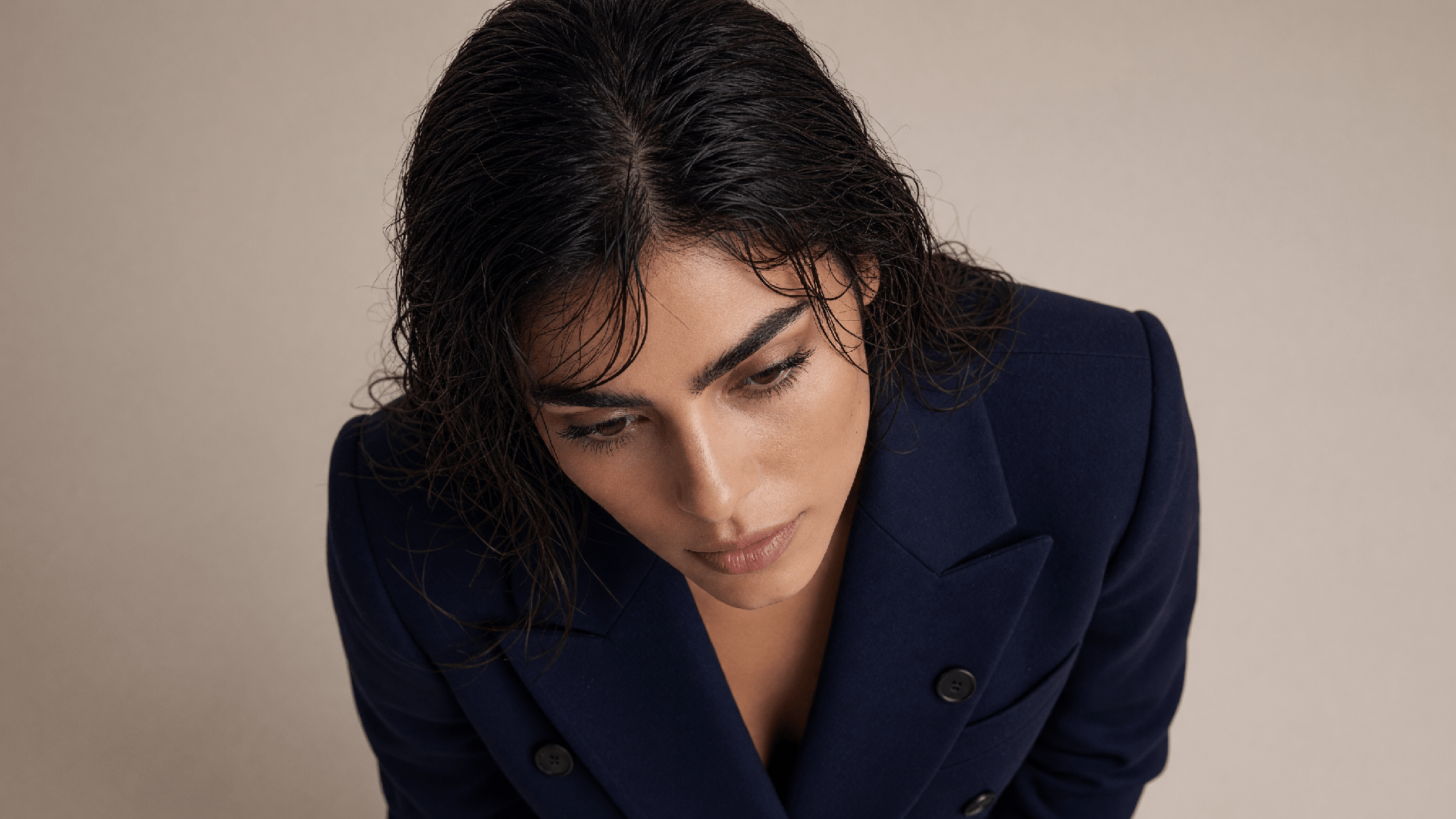
Prompt
Write what should change. Identity stays; the instruction moves one thing — hair, wardrobe, a small object.
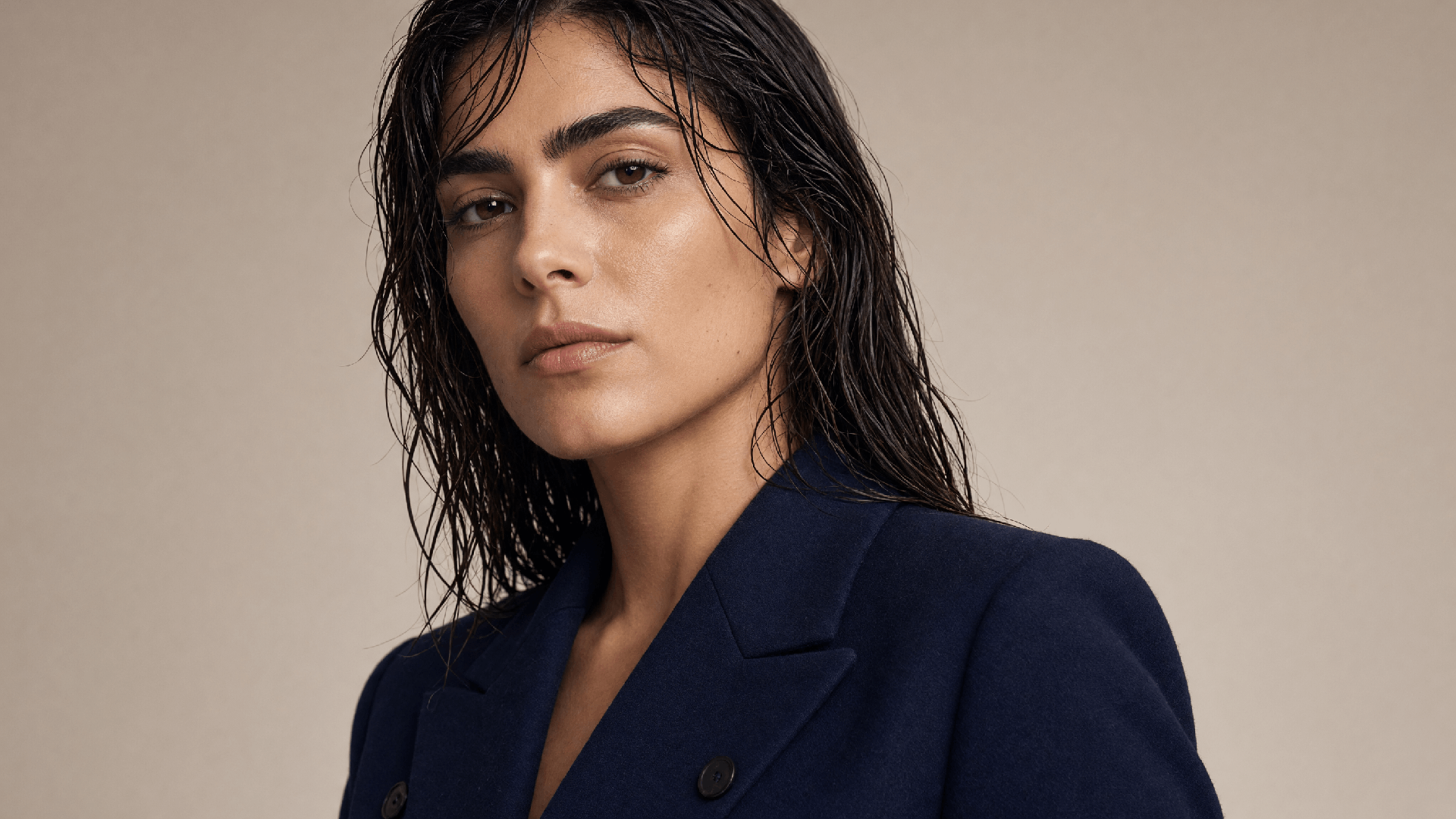
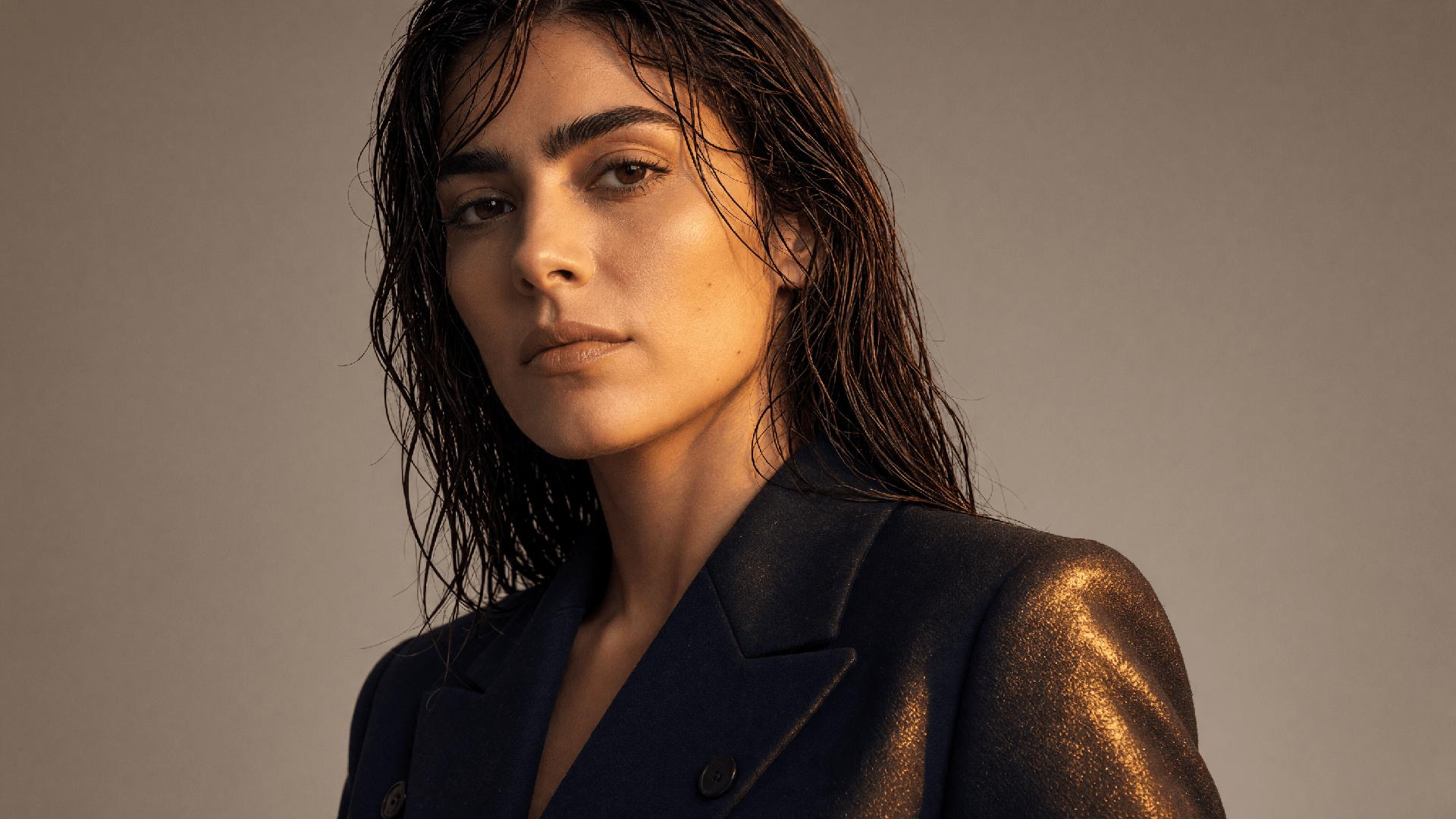
Original
This is the source. Same face, same blazer — every other slide starts from this still.
Generate is for a picture that does not exist yet. Edit is for a picture you already trust — the face, the product, the crop — when only one thing is wrong: a stray detail, a tight frame, a busy backdrop, flat light, or a camera that sat too close.
That is the gap Image Edit fills in Veontra. You pick the source, choose a tool, and run. Prompt writes an instruction. Retouch paints a region. Resize outpaints the canvas. Background, Lighting, and Camera steer the scene without asking you to describe the person again.
Creators use it to finish a still before it goes on a thumbnail or a campaign. Brands use it to keep SKU identity while changing set and grade. Teams use it instead of bouncing between Generate retries that keep rewriting the subject.
Edit lives in the same Image workspace as Generate and Restyle — same models that support it (Sunburst, Flare, Nano Banana 2), same quality, same credit table. One image per run. Switch the mode, attach the file, and go.
One source image, one tool, then Generate. Credits match Generate for the model and quality you pick.
Upload or choose the still you want to change. Edit treats this file as identity: face, product, pose. The output should still be this picture, not a new scene from a paragraph.
Prompt for a written instruction. Retouch to paint what should change. Resize to outpaint. Background, Lighting, and Camera when the subject is already right and only the scene should move.
Pick Sunburst, Flare, or Nano Banana 2, then run. One result per job, billed like Generate. Download from the rail when it lands, or open it in the feed.
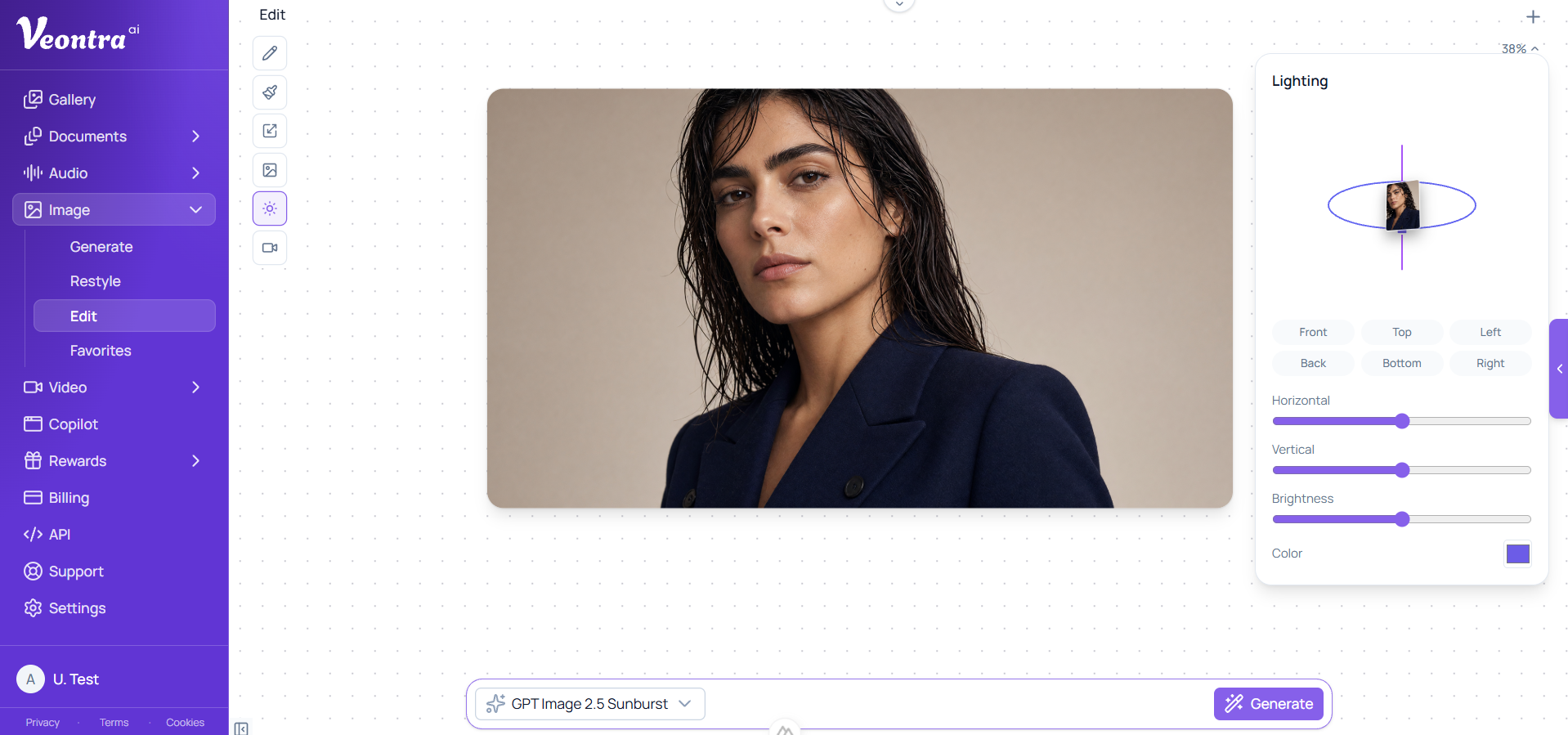
One canvas, a tool rail on the left, and Generate at the bottom. Lighting and Camera hide the prompt and use orbit controls instead.
Each tool is a different edit, not a different product. Same canvas, same credits.
Write what should change. Identity stays; the instruction moves one thing — hair, wardrobe, a small object.
Paint the region to rewrite. The mask tells the model where to edit; the rest of the frame is locked.
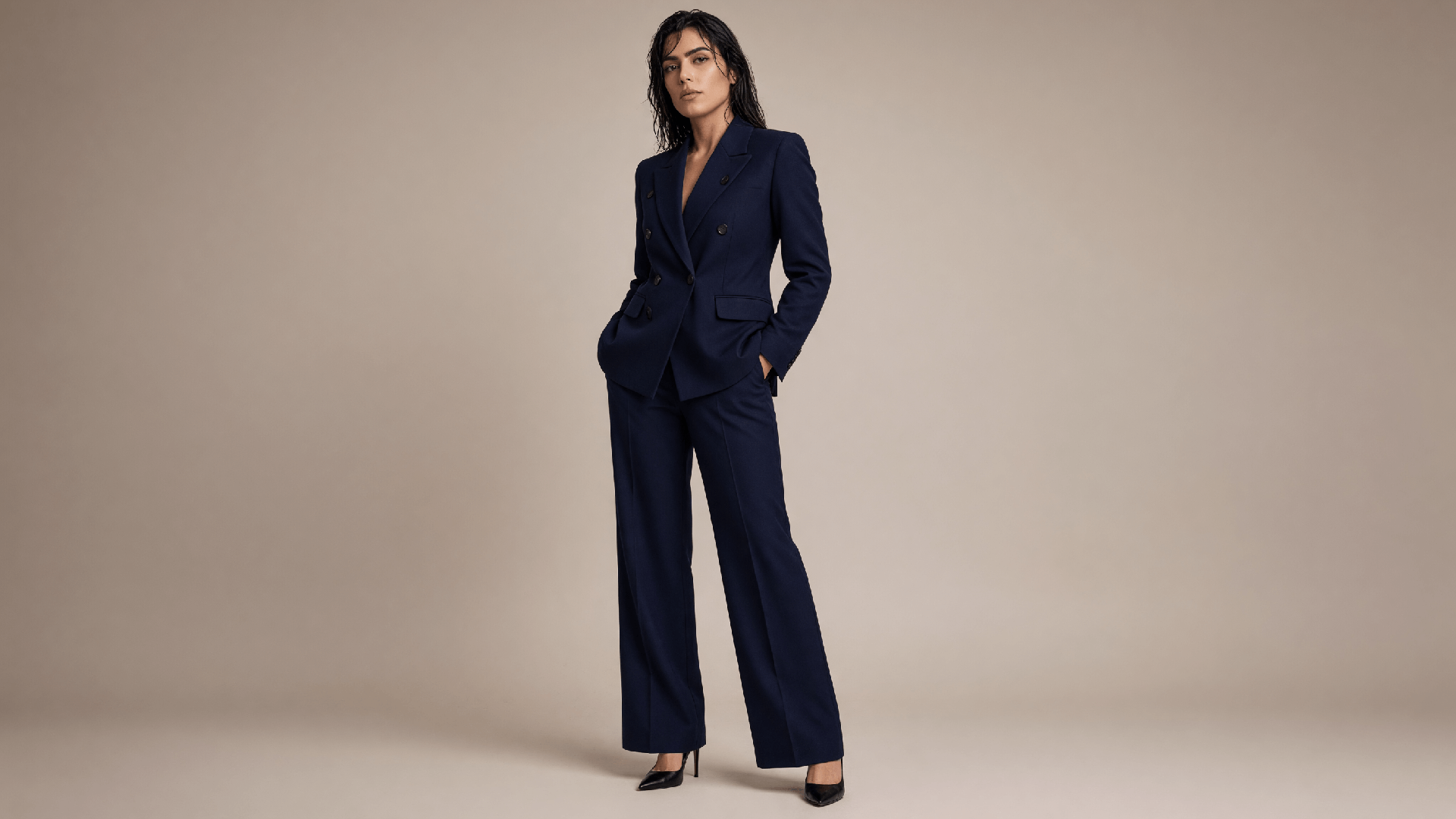
Expand the canvas and outpaint into the new area — full-body from a crop, extra sky, a wider set.
Replace or remove the backdrop. The subject stays; the set changes.
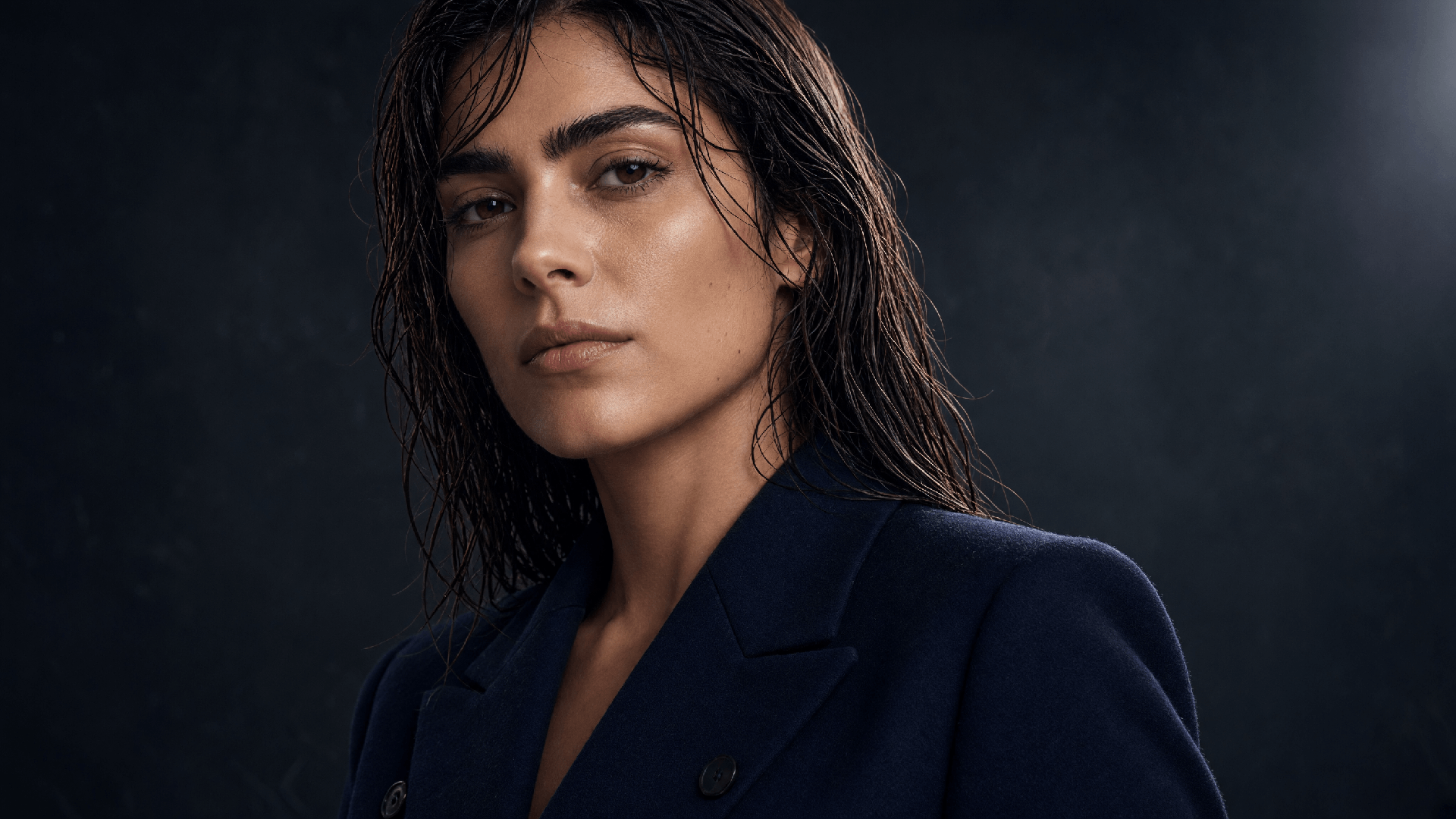
Relight the same pose. No prompt required — steer key and fill on the orbit control, then generate.
Dolly, orbit, or reframe as if the camera moved. Subject locked; composition shifts.
Edit runs on GPT Image 2.5 Sunburst, GPT Image 2.5 Flare, and Nano Banana 2. Credits per image are the same as Generate for that model and quality. Sunburst is the default when you want a careful still.
OpenAI
Precision edits and campaign-ready stills — keeps the subject while you change one detail.
Standard: 13 credits · High: 45 credits
Learn moreOpenAI
Faster than GPT Image 2 with sharper everyday results — the default for social, product drafts, and high-volume generation.
Standard: 4 credits · High: 13 credits
Learn moreGoogle Gemini
The latest Flash image model — sharper detail and better composition at a budget-friendly price.
Standard: 16 credits · High: 24 credits
Short answers for search and for the first run in the dashboard.
Generate creates a new picture from a prompt. Restyle needs a source plus a style reference. Edit needs one source image and a tool — prompt, retouch mask, resize pads, background, lighting, or camera. Use Edit when you already have the frame and only one thing should change.
Prompt and retouch expect an instruction (retouch also needs a painted mask). Resize uses the pads on the canvas. Background can take a short note. Lighting and Camera hide the prompt bar: set the orbit controls and generate.
No. Edit uses the same per-image credit table as Generate for the selected model and quality. Count is always one image per run. See Credit services for the rates.
GPT Image 2.5 Sunburst, GPT Image 2.5 Flare, and Nano Banana 2. Other generate models stay in Generate and Restyle. Sunburst is the default in Edit.
One source image. Retouch also sends a mask of the painted region. Resize, lighting, and camera send extra parameters (pads or orbit) with the same request. You do not attach a second style photo — that is Restyle.
Yes. When the job finishes, a download control appears on the tool rail. The result also lands in your image feed like any Generate job.
Extract documents, transcribe audio, and generate images from the same dashboard — with human review before anything is exported.