
Video generation in Veontra
Veontra now generates video clips alongside documents, audio, and images. Describe the scene, choose a model and length, optionally lock motion with start and end frames, and download finished MP4s when the job completes.
What video generation does
Open Video → Generate in the dashboard and create clips with Grok Imagine Video (up to 15 seconds) or Google Veo 3.1 (4, 6, or 8 seconds). Choose resolution from 480p up to 4K depending on the model, pick an aspect ratio, and write a prompt. Jobs run asynchronously — status updates appear in the feed while you wait.
The generate workspace
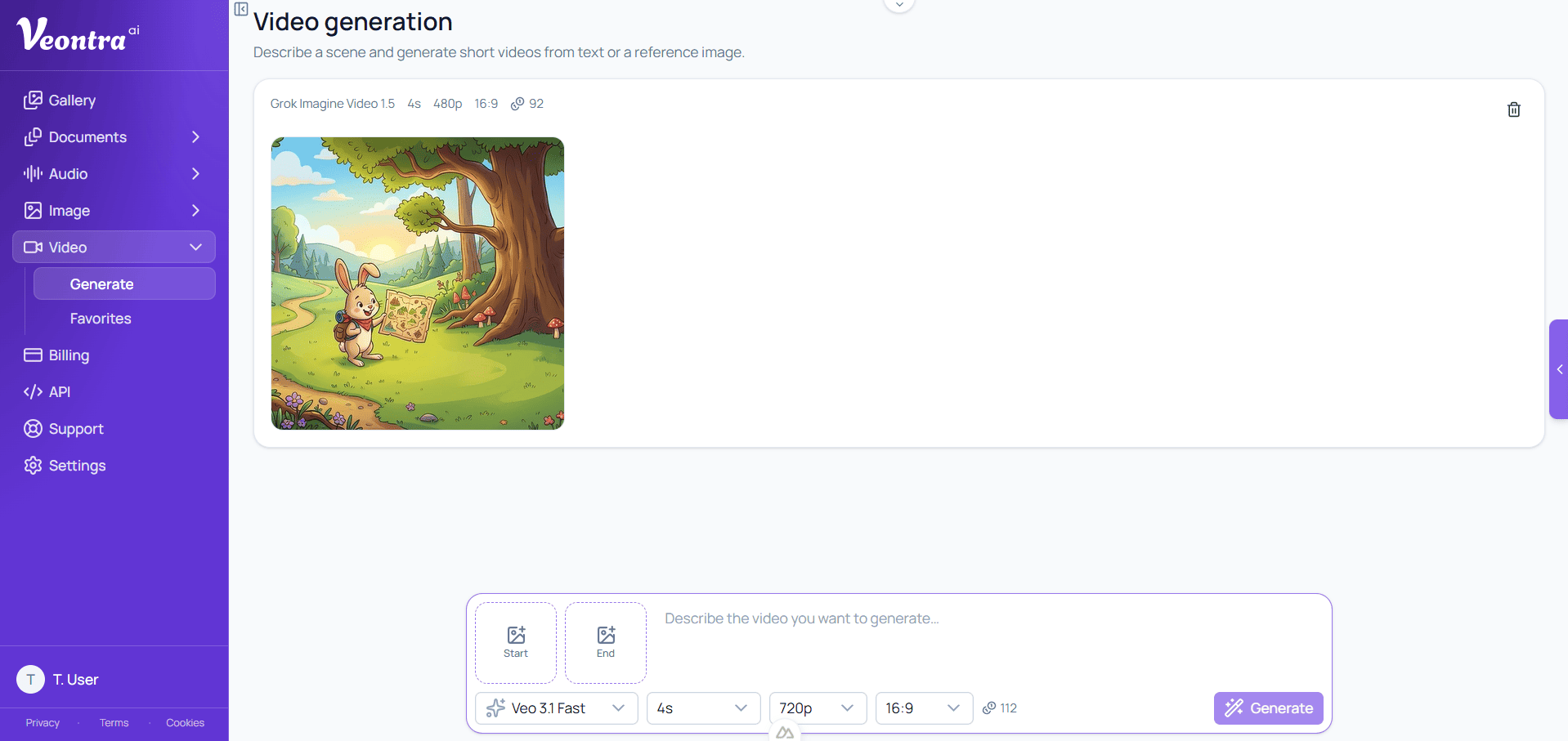
Your generations appear in a scrollable feed with status, model, duration, resolution, and credit cost, as shown above. The prompt bar stays pinned at the bottom: enter a description, adjust model, length, resolution, and aspect ratio, then press Generate. When a clip is ready, open the preview, download the MP4, share to the gallery, or regenerate with the same settings.
Start and end frames
Attach an optional start frame to steer the opening look (image-to-video). Grok 1.5 requires a start frame. On Veo models you can also add an end frame so the clip interpolates between two stills — useful for controlled camera moves and product shots. Frames upload as images with your generation request.
Credits & pricing
Video uses credits per second of generated footage. Cost depends on the model and resolution — for example Grok and Veo Lite start lower, while Veo Standard and 4K cost more per second. See the full per-second table on the Credit services page before running longer clips.
Prompt examples that work well
Be specific about subject, action, camera, and lighting: "A red fox running through a snowy forest at sunrise, tracking shot, warm rim light." For product shots, use a start frame of your product photo with a prompt like "slowly rotate 360 degrees on a white background, soft studio lighting." For a scripted moment, add a start and end frame on Veo so the motion interpolates cleanly between the two — useful for logo reveals or before/after comparisons. Keep prompts under a few sentences; Grok and Veo both respond better to concrete visual detail than long narrative text.
Get started
Start a free trial, open Video → Generate in your dashboard, and create your first clip in minutes. Need pricing first? Visit Credit services for per-second video rates.
Still have questions? Check the FAQ