
Image generation in Veontra
Veontra now generates images from natural-language prompts alongside document and audio workflows. Describe what you want, pick quality and aspect ratio, and download finished images from your dashboard.
What image generation does
Open Image → Generate in the dashboard, write a prompt, and create up to three images per run. Choose standard or high quality, square or landscape/portrait sizes, and GPT Image 2 as the model. Credits are billed per image — 3 credits for standard quality and 8 for high.
The generate workspace
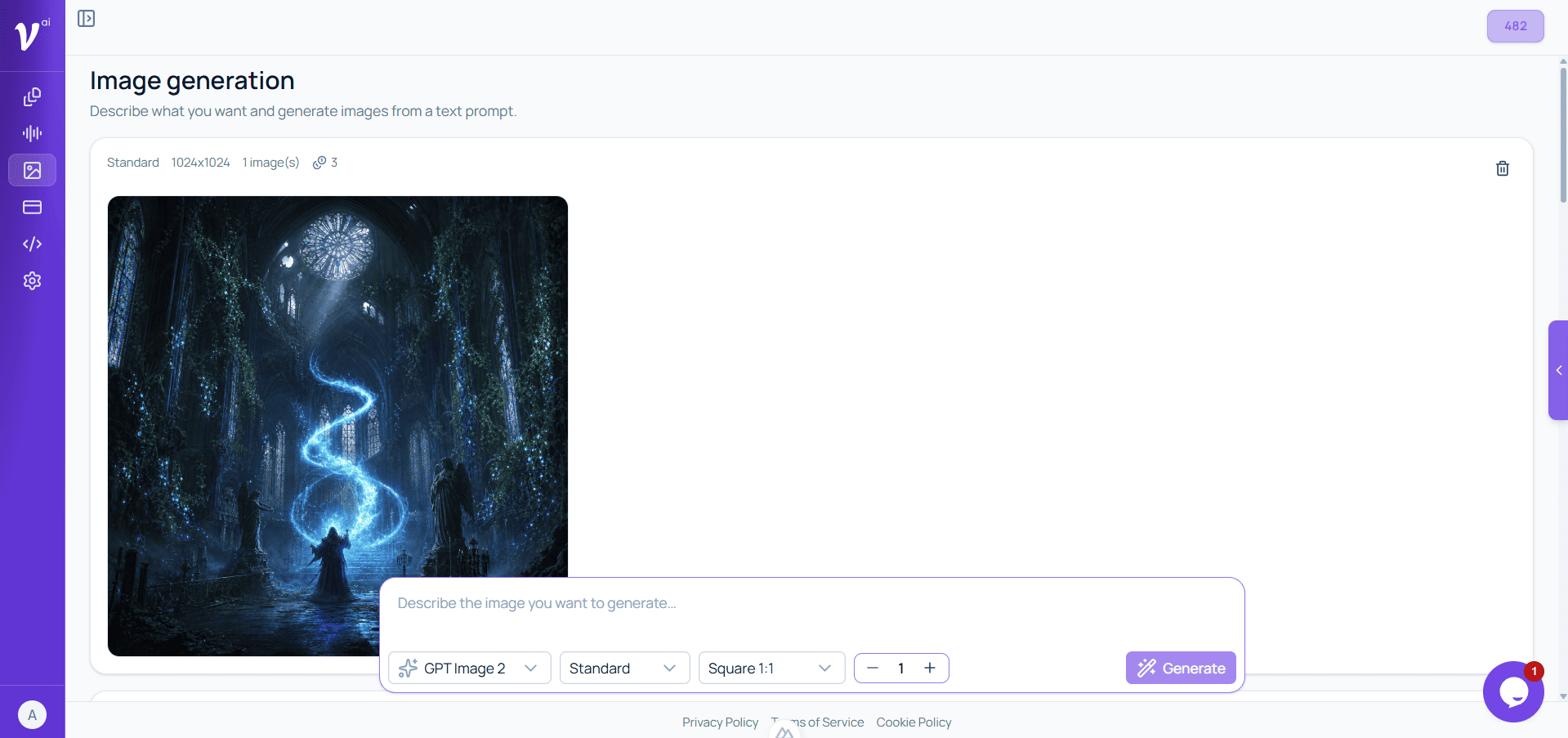
Your generations appear in a scrollable feed with status, quality, size, and credit cost. The prompt bar stays pinned at the bottom: enter a description, adjust model, quality, size, and image count, then press Generate or use Ctrl/Cmd + Enter. New jobs show a progress timer while AI renders your images.
Preview, download & regenerate
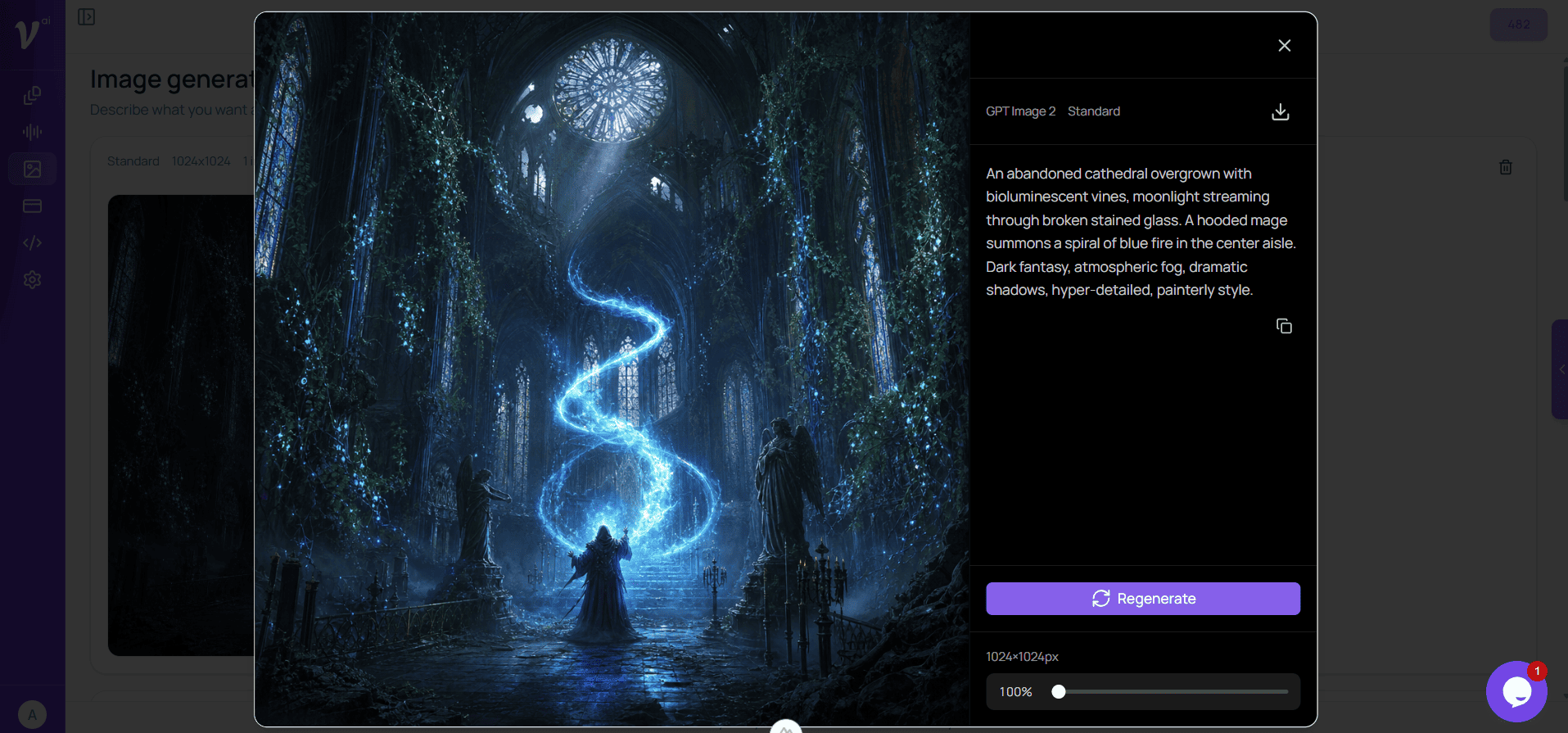
Click any finished image to open a full-screen preview with zoom and pan. The sidebar shows model and quality, download, the full prompt with copy, and a Regenerate button that reruns the same prompt with the same settings. Download individual images anytime from the grid or preview.
Credits & pricing
Image generation uses credits per image: 3 for standard quality and 8 for high. Generating multiple images in one request multiplies the cost by the count you choose. See the full breakdown on the Credit services page before running large batches.
Get started
Start a free trial, open Image → Generate in your dashboard, and create your first images in minutes. Need a credit overview first? Visit Credit services for per-image pricing.
Still have questions? Check the FAQ